_JE1.gif)
Anarchy,
as it
should be
Mysterious bosses, 1000 progression levels and fair PvP with elites in battle. Join Dragon with Bedrock 1.20+.
Why players choose DragonPE?
Bosses
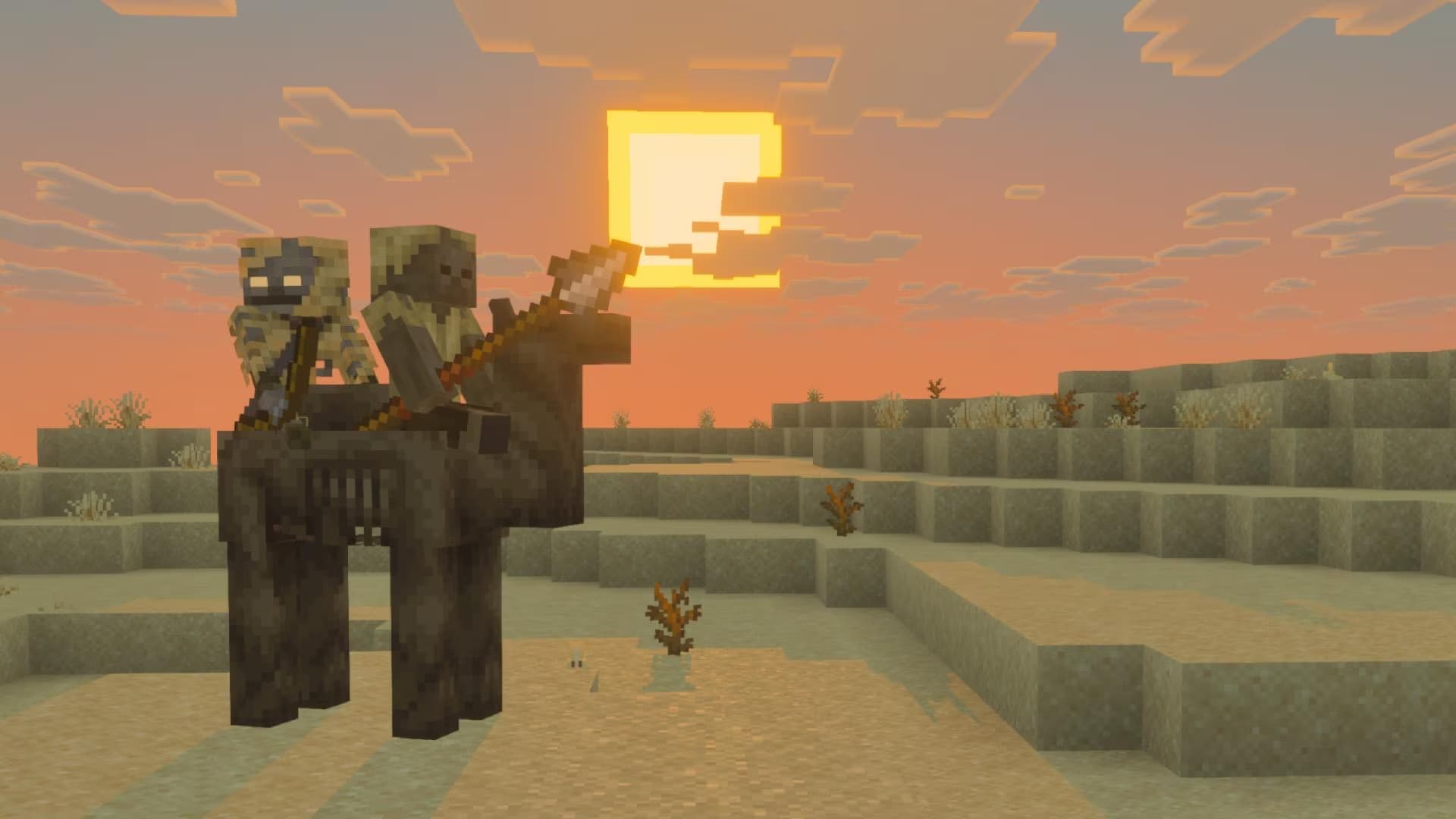
Kill bosses together with players and get very rare items, as well as earn a lot of coins every day at 10:00, 14:00, 18:00, 22:00
Duels and PvP
Skill and inventory decide in battle. We have both combo and crit PvP systems
Economy and farming
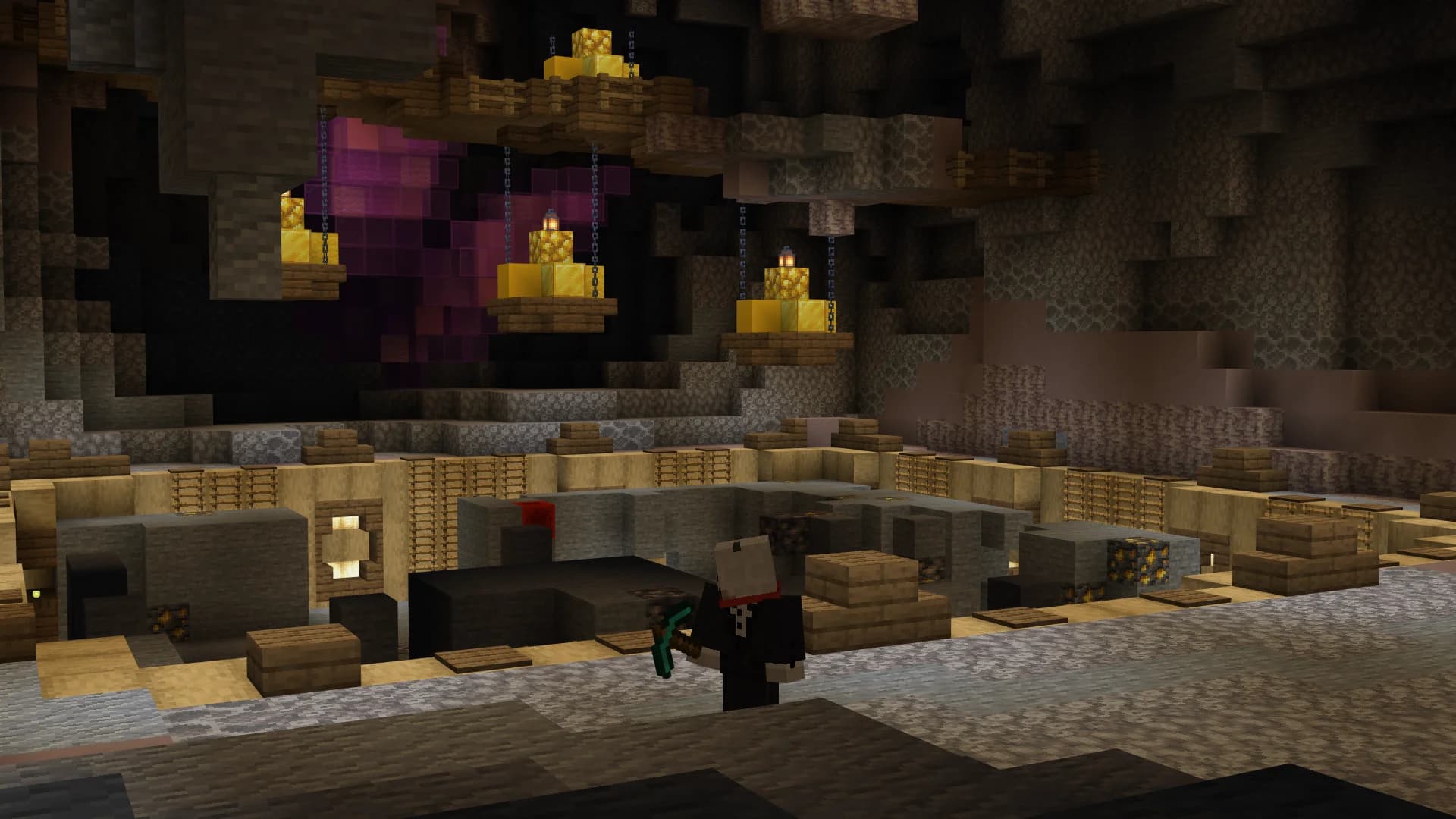
There is a large Auto-Mine, Auction for thousands of players. Trade 24/7, on our server you will always find a buyer

Experience
Experience is highly valued on the project, as it is used in almost all server systems, you can come and check it yourself
What players say
Real reviews from server monitoring. We value everyone's opinion.

Very cool server, I recommend joining, pleasant to play, no lags, good admins, almost no cheaters. In short, the server is great, I've been playing for more than 3 years, I like everything.
The server is just great, I've been playing for a year, easy development from scratch, and few cheaters. Respect to Nixon.
Very interesting anarchy, I've been playing for over a year.
Good host, interesting contests.
Frequently Asked Questions
Answers to what worries beginners
No! You can play with both a license and a pirated version. The main thing is to download Minecraft Bedrock version 1.20 or newer.
Click the 'Play' button -> 'Servers' -> 'Add Server'. Enter IP: dragon-pe.com and Port: 19132. Or just click the IP copy button at the top of the site!
Privileges that were purchased forever are preserved. Only game items and structures disappear.
Newbie? How to join Dragon
4 steps and you're already on Dragon. Cross-platform server for Bedrock 1.20+
Click the Start button
Click Play, then go to Servers.
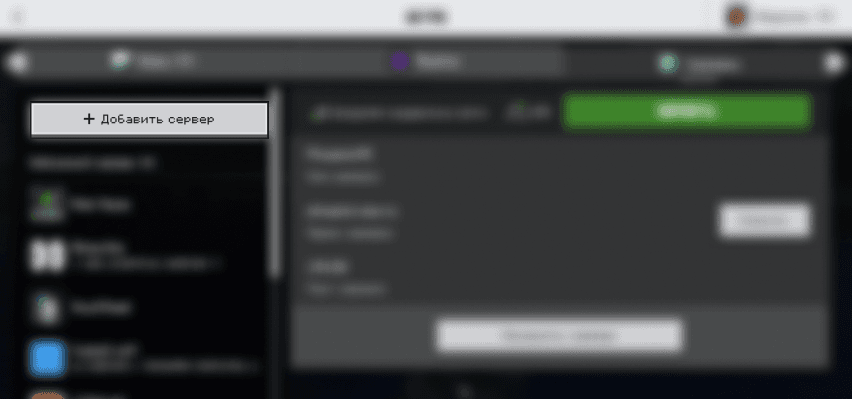
Click Add Server
The button is at the top left.
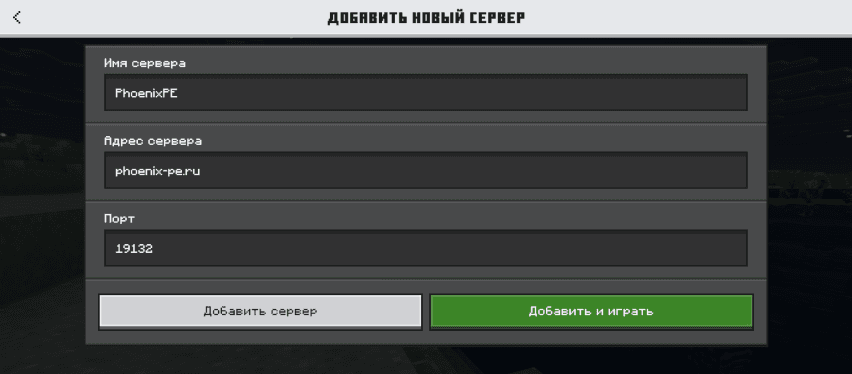
Enter server details
Name: DragonPE. Address: dragon-pe.com. Port: 19132.
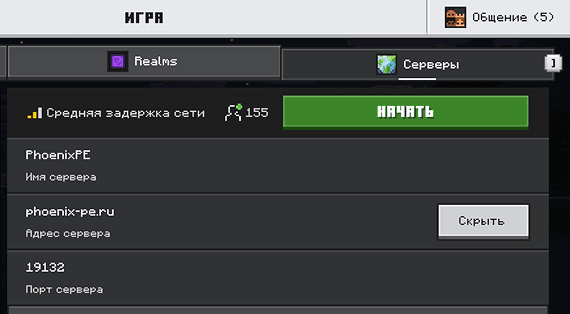
Save and join
Click Add and play. Done.